Wordle, easier to see.
Larger letters and more distinct colours, using a bookmark in your browser.
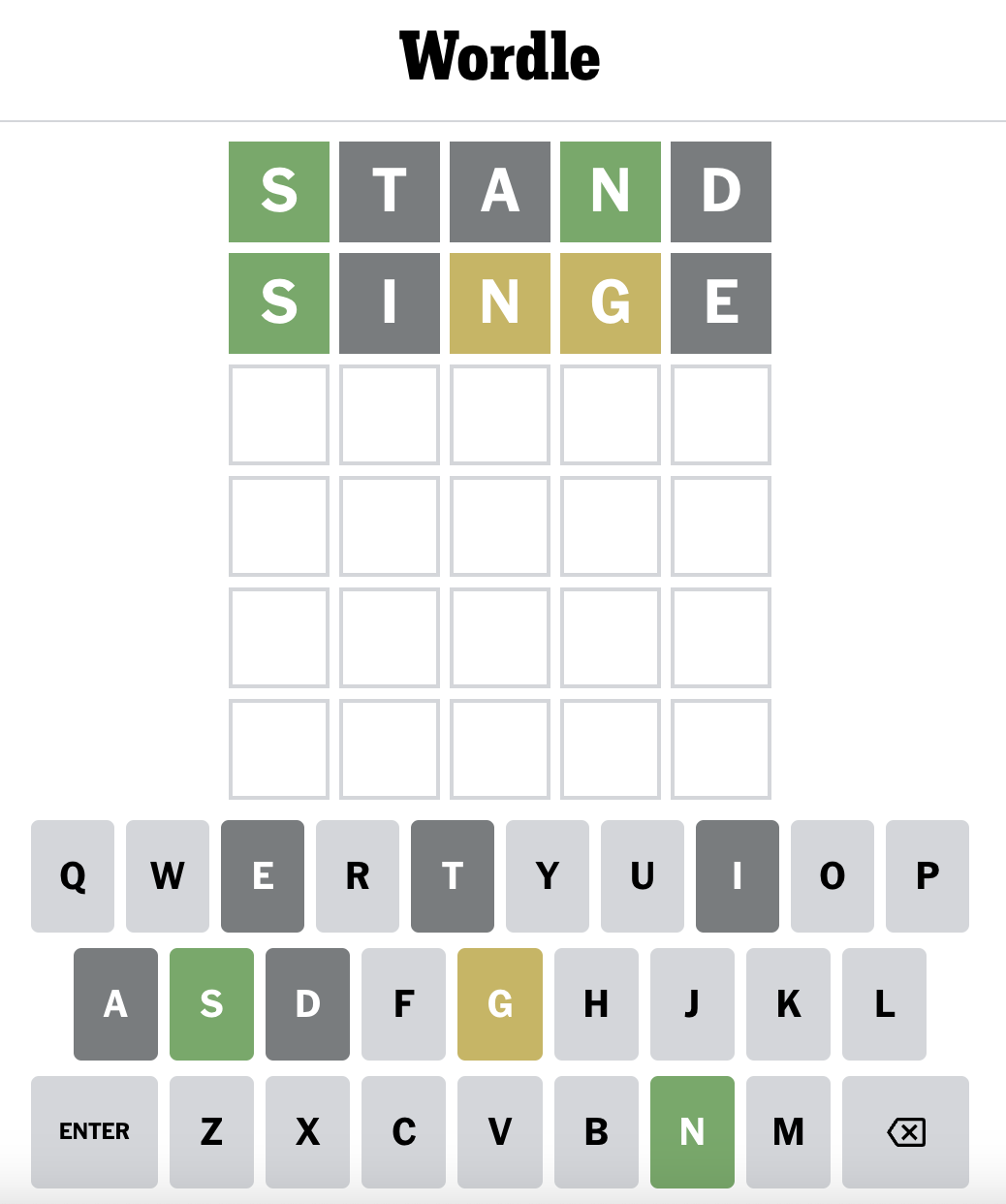
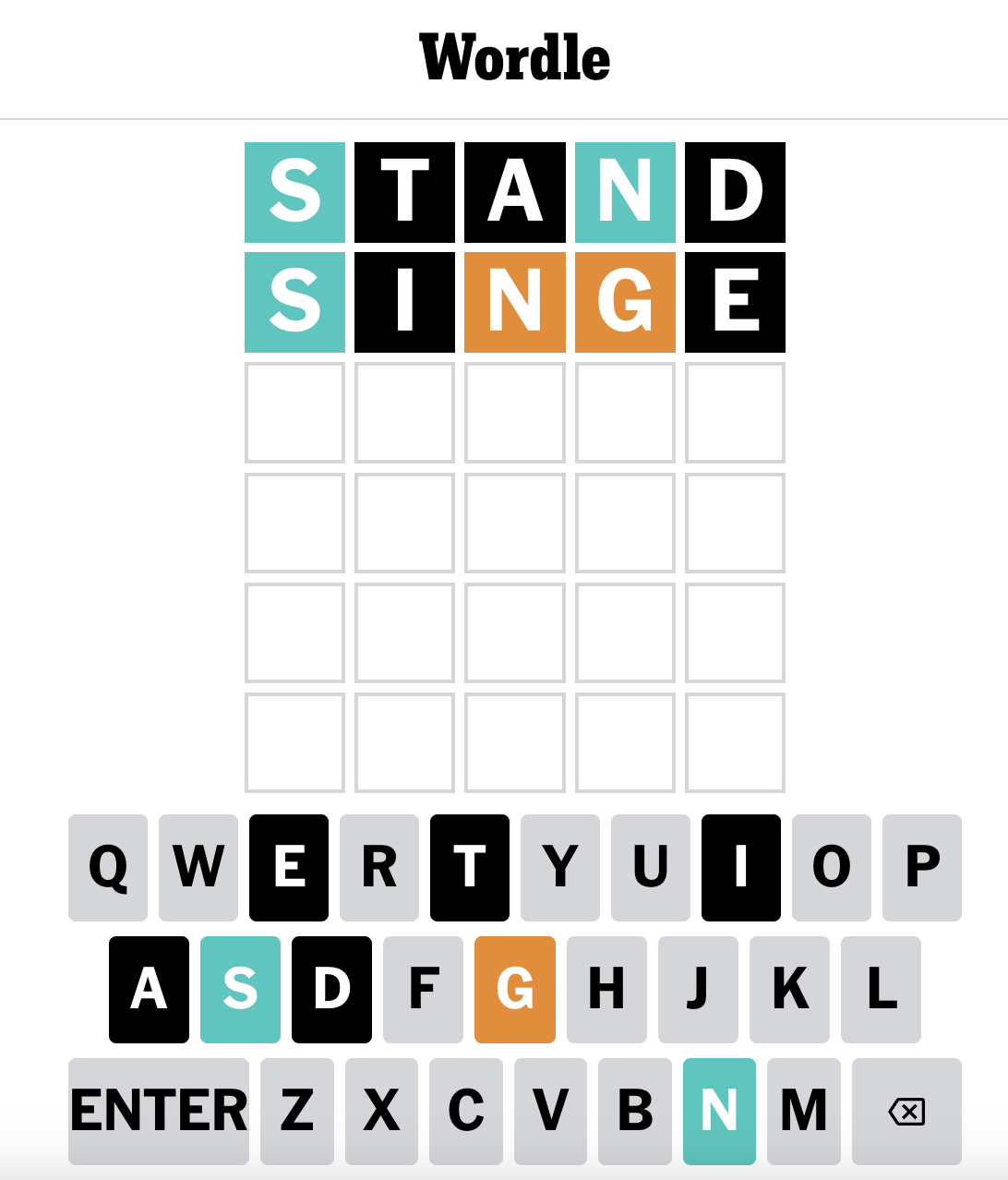
Add it on a computer.
- Show your browser’s bookmarks bar.
- Drag this link onto the bar: Wordle Enhancer.
- Open Wordle and select the saved bookmark.
Watch the desktop setup (30 seconds) →
Add it on a phone.
- Bookmark any page in your browser and name it Wordle Enhancer.
- Copy the code below.
- Edit the bookmark. Replace its address with the copied code, then save.
- Open Wordle and select your saved bookmark.
Show code to copy manually
Watch the mobile setup (1 minute) →
Make it your own.
The adjustment lasts for the current page. Reload Wordle to return to its usual appearance. Delete the bookmark whenever you no longer need it.
This is an independent tool. Wordle can change its page structure, which may stop the bookmark working. If something looks wrong, let us know.